
ZoneWaves: Web and Mobile Yacht Charter Management
Before a yacht can leave for its next charter, the base manager needs to know whether the boat is available, which jobs remain open and who is responsible for them. The crew needs the same information while working on board or at the dock.
ZoneWaves began as an earlier iteration of Gravity Vector’s charter management software. The web and mobile applications are still current. The web application gives base managers a view of schedules and team assignments, while the mobile application gives staff access to boat records and tasks where the work happens.
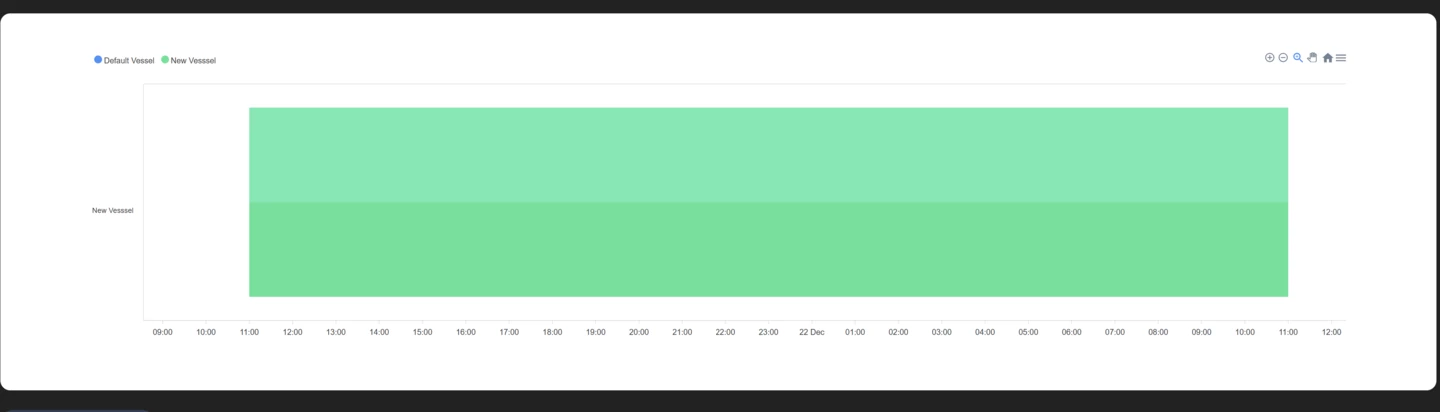
Web application for base managers
Base managers can assign jobs, track boat maintenance and group related tasks so crew members can view and complete shared work. The reservation view helps operators plan dock assignments, check availability and review scheduled bookings.
Mobile application for charter crews
Staff can open the relevant vessel record to check its model, dimensions, registration details, status and outstanding work. The mobile task view helps base managers assign work and gives staff a place to check progress and see upcoming maintenance.
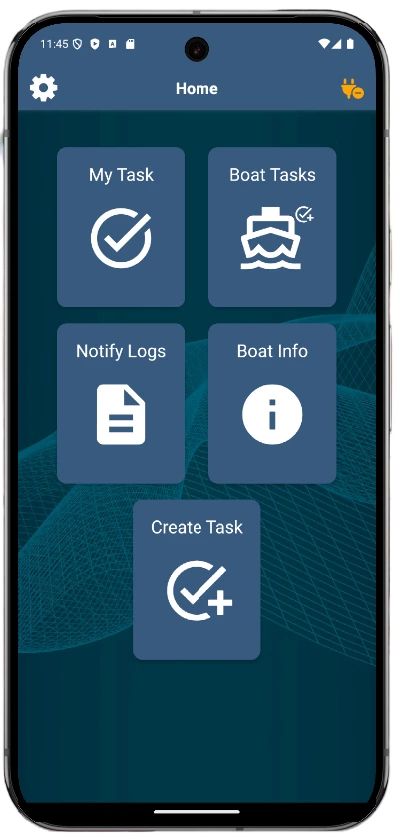
The home screen gives crew members five shortcuts for the work they do on board and at the base:
- My Task opens the tasks assigned to the signed-in crew member.
- Boat Tasks shows work associated with a vessel, so the crew can check what is still outstanding before handover.
- Notify Logs keeps previous notifications available for review.
- Boat Info opens the vessel record, including technical and registration details.
- Create Task lets staff log a new job from the phone when they spot something that needs attention.
Onboard sensors and the ZoneWaves IoT Gateway
Where compatible sensors are installed, the platform can show readings such as battery level, temperature, tank levels, engine status, GPS position and bilge activity. The mobile application describes alerts for conditions such as low battery, water ingress and overheating, alongside maintenance reminders.
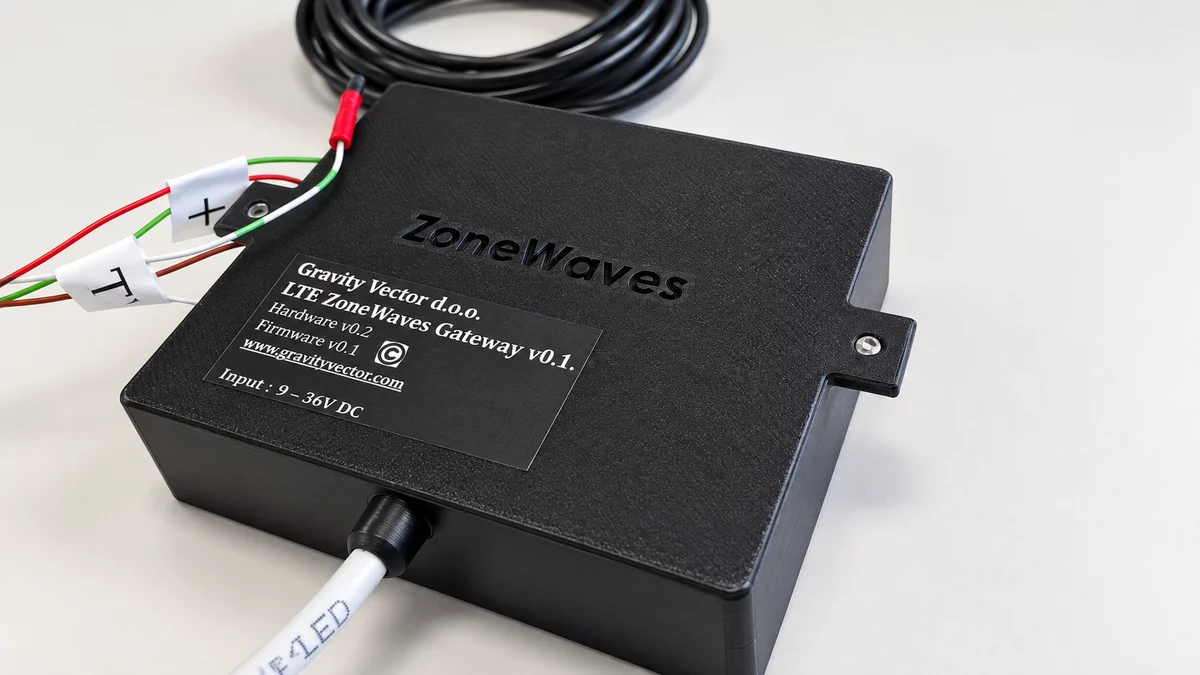
The ZoneWaves IoT Gateway is designed to collect readings locally from onboard equipment and send them to the platform for remote monitoring. Supported hardware and sensor configurations depend on the installation.
Software principles and data protection
The product documentation emphasizes straightforward workflows, mobile access and flexibility for different charter and marina teams. The security overview describes encryption and role-based access controls.
Explore ZoneWaves
For a broader look at Gravity Vector’s marina management tools, see TwoBoat for marinas.
Visit ZoneWaves